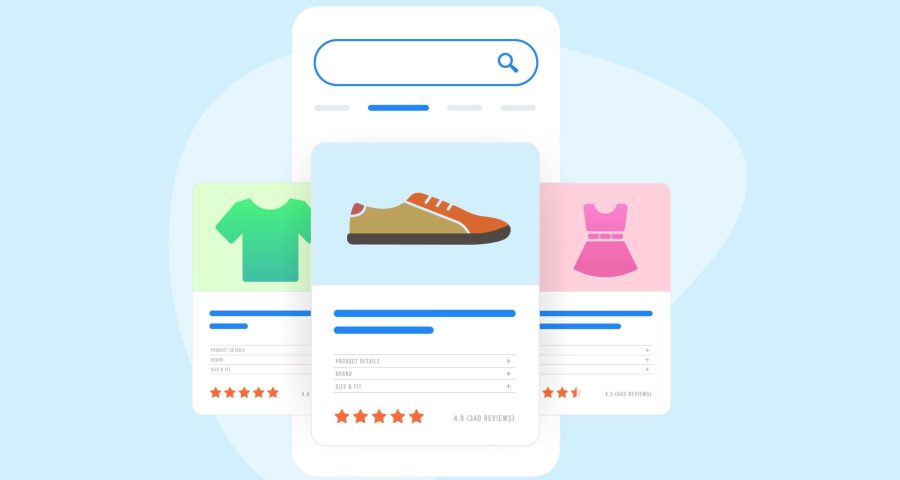

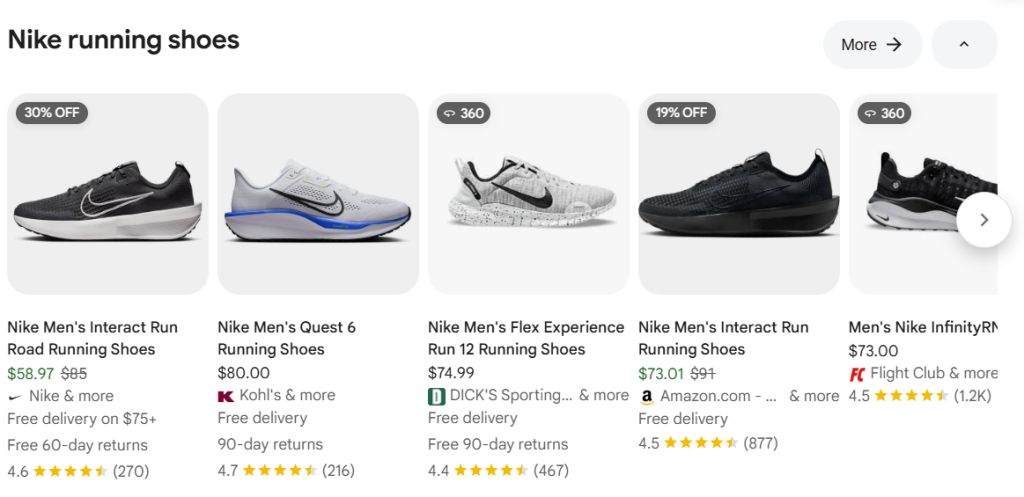
Over the years, Google has added rich e-commerce features to its SERPs (Search Engine Results Pages), including a product carousel and a shopping tab. These sections have continued to evolve into a full-featured display of popular products, related products, and featured stores to make your shopping experience easier. To appear in this section, you will need to set up a Google Merchant Center account using a product data feed to generate these results. This step is essential for both e-commerce SEO and visibility in image and standard searches.
Why You Should Consider Creating a Google Merchant Center Account
If you run an e-commerce store and want to sell items on platforms like Google Shopping, you need to set up a Google Merchant Center account. It’s a great way to increase organic traffic to your product pages via free Shopping listings. In 2022, Google Shopping calculated over 1.2 billion monthly searches. Many e-commerce platforms, such as Shopify, WooCommerce, and Magento, offer tools that can make it easy for you to generate and sync your product feeds, keeping pricing and inventory up to date. This is crucial for accurate listings and account health.
Shopping Feeds and SEO
Over the years, Google Ads has been the primary driving force, requiring us to spend money to consistently advertise products in Google search results. However, with the free listing feature, this not only improves visibility in search but also enhances user experience.
Tips On Gaining More Organic Traffic From Google Shopping
Here are a few high-impact strategies to help your products show more frequently:
Optimize Product Titles
Use a format like: Brand + Product Type + Key Features + Size/Color.
Example: “Nike Ultraboost Running Shoes – Men’s Size 10 – Black/White”
Using the Right Product Category
There are hundreds of categories and thousands of subcategories available, so choosing the right category should be direct and accurate to help rank better to reach your target audience.
High-Quality Images
Use clear and professional images to increase clicks and search visibility. Products with low-res images, fake, or that look worn out will only discourage consumers from clicking your product image.
Keyword Optimization Description
Creating helpful description content that resonates with your audience will not only benefit users but also improve search engine understanding of your product. Focus on keyword research to find the best keyword possible to increase the click-through rate.
Include All Required Attributes
Google requires key data, such as product ‘ID’, ‘brand’, ‘title’, ‘image link’, and ‘GTIN’ (Global Trade Item Number); therefore, filling out the attributes when relevant is important to improve ranking.
Use Schema Markup
Structured data on your product pages will help communicate to Google what the product entails and to display your products in search results more accurately.
Monitor Performance Metrics
Regularly monitoring your product feeds in Google Merchant Center is crucial for identifying product disapprovals, tracking feed errors, and other factors that could impact your product visibility.
Product Reviews
Organic user reviews can boost visibility as Google now has an option to filter out Seller Ratings in organic results.
Final Thoughts
Google Merchant Center is not only for ads, it’s a robust organic SEO tool in disguise. With proper setup and optimization, your product feed can consistently drive traffic without requiring an additional ad budget. If you haven’t already done so, now would be a great time to set up your account, build out your product feed, and start unlocking your store’s full search potential. Looking to build your e-commerce store? Contact our sales team at 857.349.5062 for a free consultation.