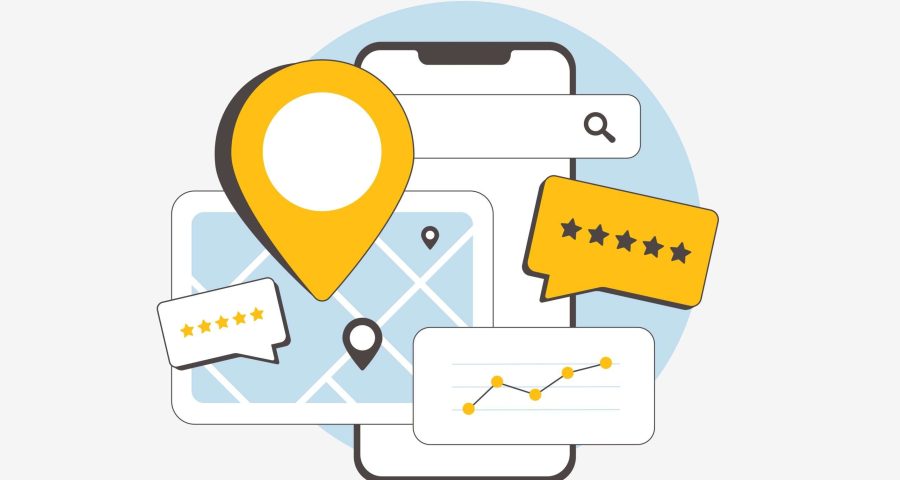

If you’re a local business looking to boost your visibility online, your Google Business Profile (GBP) is one of the most powerful tools. It’s free, easy to manage, and directly influences how your business appears in Google Search and Maps. You may be underusing this listing, but if you optimize it strategically to improve your local SEO, you can attract more customers and sales. Here is how to optimize your GBP for SEO:
Why Your Google Business Profile Matters
When someone searches for a business “near me” or uses local keywords (like “HVAV in Boston”), Google often shows a local pack, a map with business listings. These listings pull directly from Google Business Profiles. So, an optimized profile can significantly increase your chances of appearing in that high-visibility space, leading to more phone calls, website visits, and foot traffic to your website.
1. Claim and Verify Your Profile
Firstly, make sure you’ve claimed and verified your Google Business Profile. This proves to Google that you’re the owner and allows you to make updates. Visit google.com/business to get started. You can then choose a verification method, such as phone, email, video, or postcard.
2. Provide Complete and Accurate Information
Fill out each section of your profile with accurate, consistent, and complete information. This includes your business name, address, phone number, website, hours, and business category.
3. Use Keywords in Your Description
Include relevant local SEO keywords naturally in your business description, services, and posts. Use terms your customers might search for, such as “affordable HVAC repair in Boston” or “emergency HVAC repair near me.” Avoid keyword stuffing, keywords should naturally fit into your content.
4. Add High-Quality Photos
Photos help build trust and engagement. Businesses with photos receive more clicks and direction requests. Upload images of your storefront, interior, team, and products or services. Update and add photos regularly to show customers you’re active and up-to-date.
5. Collect and Respond to Reviews
Reviews play a big role in local rankings and customer trust. Encourage satisfied customers to leave positive reviews, and make sure to respond to all reviews, whether they’re good or bad. This shows you’re engaged and committed to customer service, which Google values.
6. Use Google Posts
Adding posts to your listing shows that your business is active and helps you enhance brand visibility. To add a post, click the “Add update” button on your dashboard. You can share updates, offers, or events. Next, you will see an option for a call-to-action and can use a URL to link to things such as ‘Learn more’, ‘Call now’, or ‘Sign up’. Posting consistently keeps your profile fresh and shows Google that your business is active and relevant.
Contact Boston Web Marketing
Optimizing your Google Business Profile is one of the fastest, most effective ways to improve your local SEO. Need help with managing your profile? At Boston Web Marketing, our SEO specialist can help you manage your profile monthly! Get in touch with us today by filling out our contact form or giving us a call at 857.349.5062.