

When building a new website, you may already have company logos or colors that you want to use. If this is the case, it may sometimes me difficult to match the colors of your theme to the colors in your logo just by guessing. Depending on your monitor, brightness settings and color settings, colors may look different on every computer screen. Here is a simple way to match the colors exactly by finding the HTML color code.
The first step is to make sure you have a copy of your logo or the color you want to match saved on your computer.
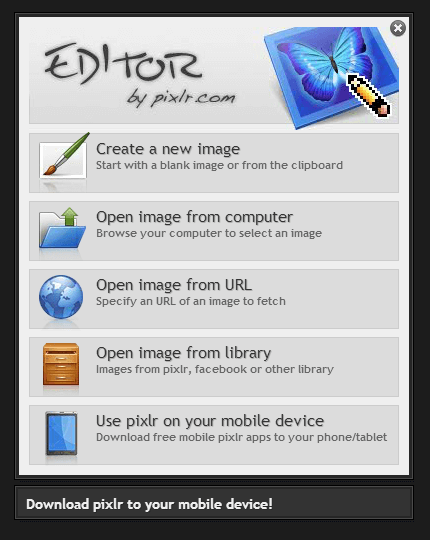
Next, go to https://pixlr.com/editor/ and open the file from your computer.
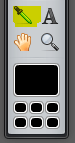
After you open the file, use the “dropper tool” to click on the color you want to match.
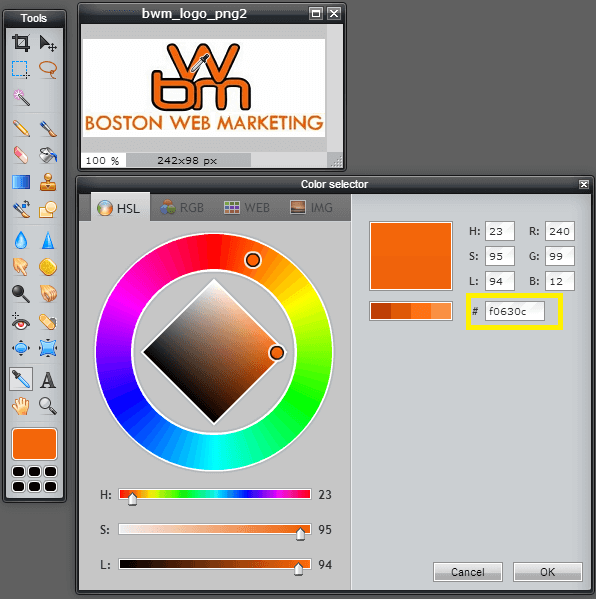
Double click on the color box and you will see the pixlr color selector and the HTML color code to use to match your colors.
By Tony Fong