

Here is a helpful guide into learning to how to add your business to Angie’s List
- The first thing you are going to want to do it log into https://www.angieslistbusinesscenter.com/
- The next step you will need to click claim your business
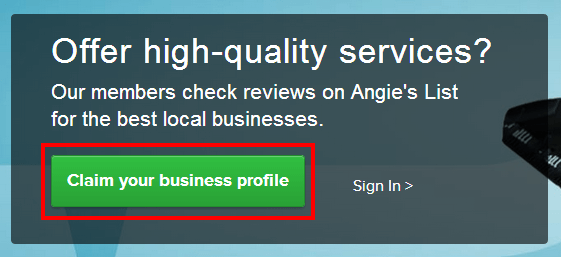
- Once you click on claim your business, try to find your business by typing the name and zip code
- A new window will pop up with a few options to select your company, if you cannot find your company, click add new company
- Fill in the basic business information, as well as selecting which service group your business is and add available categories that fit. Then select continue.
- Set up account access with your basic log in information, don’t forget to click on the check box to agree to the terms then click next submit.
- You have successfully added you business to Angie’s List, you should be receiving and email confirmation and you are free to explore and edit your business page.